Smart Home Tech for Busy Families: A Parent's Guide to Getting Started
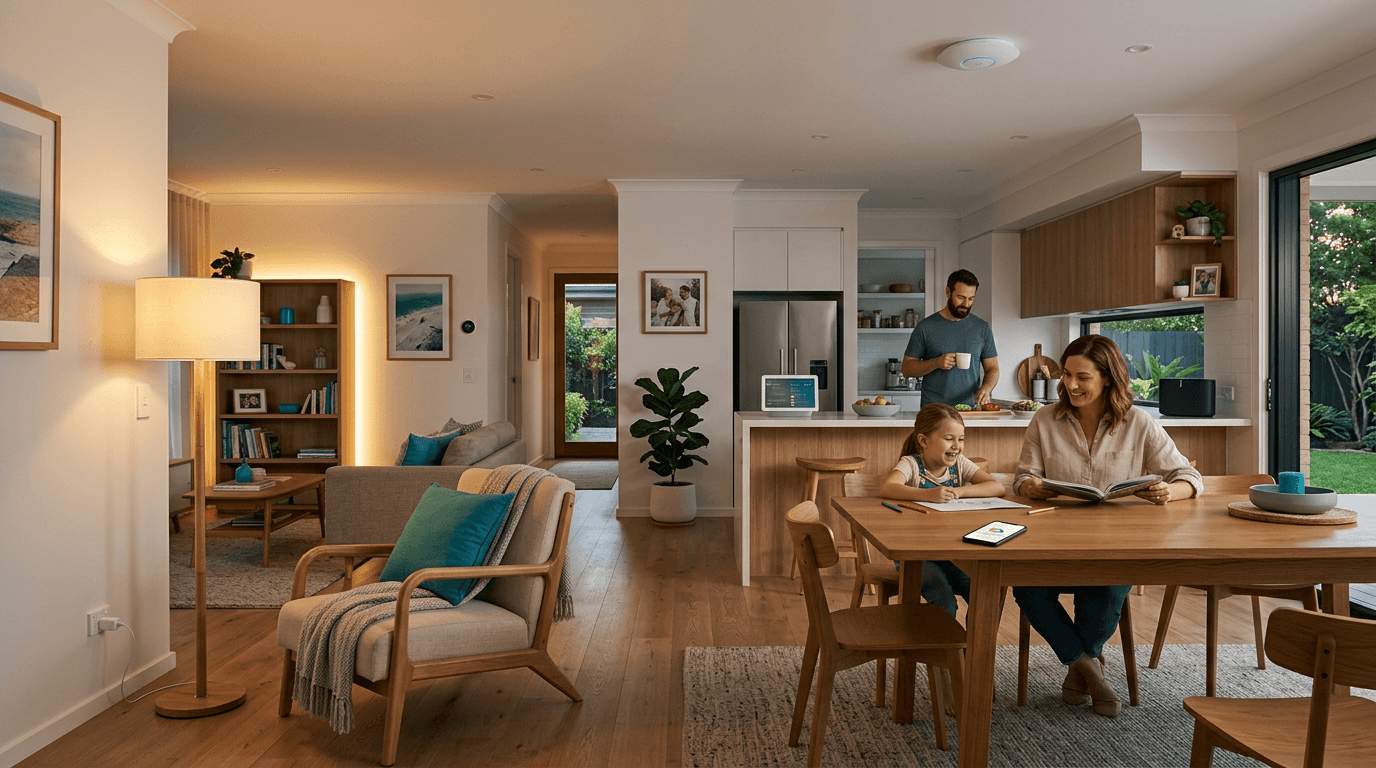
Your Home Should Work for You, Not the Other Way Around
If you're a parent juggling school runs, work, cooking dinner, and trying to remember whether you left the bathroom light on again — smart home tech isn't about turning your house into a spaceship. It's about removing those small daily frustrations that add up.
This guide cuts through the jargon and shows you what actually makes a difference for families — no IT degree required.
1. Smart Lighting: Set It and Forget It
This is where most families start, and for good reason. Smart lighting does two things brilliantly:
- Saves electricity — lights that turn off automatically when nobody's in the room
- Creates routine — kids' bedroom lights dim at 7:30pm, hallway nightlights come on at sunset
A device like the Shelly Plus 1 fits behind your existing light switch. No new switches, no rewiring your whole house. It connects to your WiFi and lets you set schedules or control lights from your phone.
Real-world example: Set your porch light to turn on at sunset and off at 11pm — every single night, without touching it. That's one less thing to think about.
What About the Power Bill?
Smart switches like the Shelly Plus 2PM actually monitor your power usage in real time. You can see exactly what each circuit is drawing and spot anything unusual. Most families find they save 10-15% on lighting costs just from automated schedules and motion-based control.
2. WiFi That Actually Works in Every Room
Nothing is more frustrating than WiFi that drops out in the kids' room or barely reaches the backyard. Consumer routers from your ISP are designed to be cheap, not good.
A proper wireless access point like the Ubiquiti U7 Pro is what businesses, schools, and hotels use — and there's no reason your family shouldn't have the same reliability.
What changes when your WiFi is solid:
- Kids can do homework in their rooms without buffering
- Video calls from the home office don't freeze
- Security cameras stream reliably
- Smart home devices stay connected (this is the big one)
Pair it with a UniFi Switch Lite 16 PoE and you've got a network backbone that'll handle everything your family throws at it for years.
Pro tip: A single U7 Pro covers approximately 120m² with strong signal. Most three-bedroom homes need one or two, mounted on the ceiling in central locations.
3. Automating the Boring Stuff
Here's where smart home tech starts saving you real time. Once your devices are connected, you can create automations that handle repetitive tasks:
- Morning routine: Lights gradually brighten at 6:30am, hallway lights come on when motion is detected
- Leaving home: One tap turns off all lights, checks the garage door, and arms your cameras
- Bedtime: Living room dims, kids' rooms turn off, nightlights activate
These aren't complicated to set up — most smart home platforms use simple "if this, then that" rules. If the front door opens after sunset, turn on the hallway light. If nobody moves in the living room for 30 minutes, turn off the lights.
4. Smart Plugs: The Easy Win
Before you automate your whole house, try one smart plug. The Shelly Plus Plug S turns any appliance into a smart appliance:
- Monitor standby power — find out what's silently chewing through electricity when you think it's "off"
- Schedule the kids' gaming setup — TV and console power off at a set time (no arguments, the plug decided)
- Holiday mode — cycle lamps on and off while you're away so the house looks occupied
At under $40, it's the cheapest way to test whether smart home tech is right for your family.
5. Internet That Doesn't Stop at the Back Door
For families in larger homes or properties, getting reliable internet to a shed, granny flat, or pool area is a real challenge. Running ethernet cables isn't always practical.
The Teltonika RUTX50 is a 5G/4G router that gives you enterprise-grade internet anywhere you have mobile signal. Use it as:
- Backup internet — if your NBN drops, it switches over automatically
- Remote connectivity — sheds, granny flats, or workshops with no ethernet
This is the same equipment tradies and businesses use on remote sites — bulletproof reliability.
Where to Start (Without Overwhelm)
Here's the practical path for families new to smart home tech:
Week 1: One Smart Plug
Grab a Shelly Plus Plug S, plug it into your most-used lamp or appliance, and set a simple schedule. See how it feels.
Month 1: Smart Lighting
Start with the rooms where you forget lights the most — usually bathrooms, laundry, and kids' bedrooms. A Shelly Plus 1 behind each switch gives you app control and scheduling.
Month 2: Sort Your WiFi
If your WiFi is unreliable, nothing else will work well. A Ubiquiti U7 Pro and a UniFi Switch Lite 16 PoE gives you the same network quality as a corporate office.
Month 3+: Automate
Once your foundation is solid — reliable WiFi, smart switches where they matter — start connecting things together. Automations build on each other and get better over time.
Common Questions from Parents
"Is this going to be obsolete in two years?" The products we stock use standard protocols (WiFi, Ethernet) and receive regular firmware updates. Shelly devices have been supported for years with ongoing improvements. This isn't disposable tech.
"Do I need a hub?" Not for the products we recommend. Shelly and Ubiquiti devices connect directly to your WiFi network — no extra box required.
"Can my kids mess with it?" You control who has access. Most platforms let you set user permissions, and physical switches still work exactly as they always have.
"Is it hard to install?" Smart plugs — plug in and go. Smart switches like Shelly modules should be installed by a licensed electrician (that's us). WiFi access points mount to the ceiling with two screws. We handle the tricky stuff.
The Bottom Line
Smart home tech for families isn't about having the fanciest gadgets. It's about:
- Less time worrying about whether you left things on
- Lower power bills from automated schedules and monitoring
- Better WiFi so everyone can do their thing without fighting for bandwidth
- More control over your home, even when you're not there
Start small, build gradually, and invest in quality gear that'll last. That's the approach we recommend to every family we work with.
Need help choosing the right setup for your home? Get in touch — we'll help you figure out what makes sense for your family and budget.